Set Up Bank Determination for Payment Transactions | S_ALR_87100691

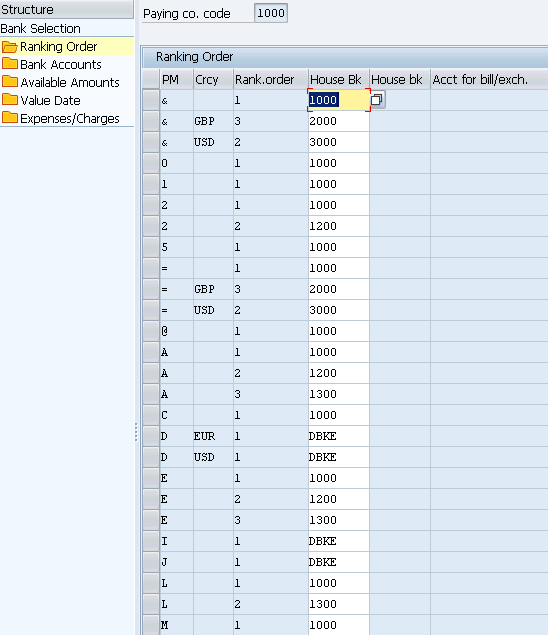
In this FICO configuration activity, you are able to define the ranking order of your house bank and bank accounts when you execute payment through automatic payment program.
Transaction: S_ALR_87100691
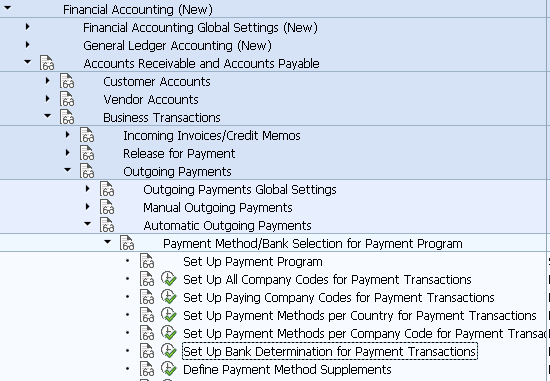
IMG Path: Financial Accounting (New) -> Accounts Receivable and Accounts Payable -> Business Transactions -> Outgoing Payments -> Automatic Outgoing Payments -> Payment Method/Bank Selection for Payment Program -> Set Up Bank Determination for Payment TransactionsTransactions
Tables: T042B, T001, T042A, T042I, T042D, T042V, T042S
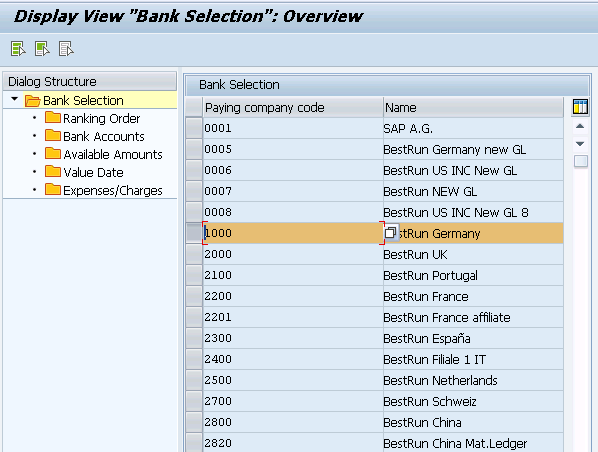
On the first screen you will see a list of all company codes. Choose one of them and move to the next selections.
Ranking Order Screen in which you maintain Payment Method, Currency and House Bank.
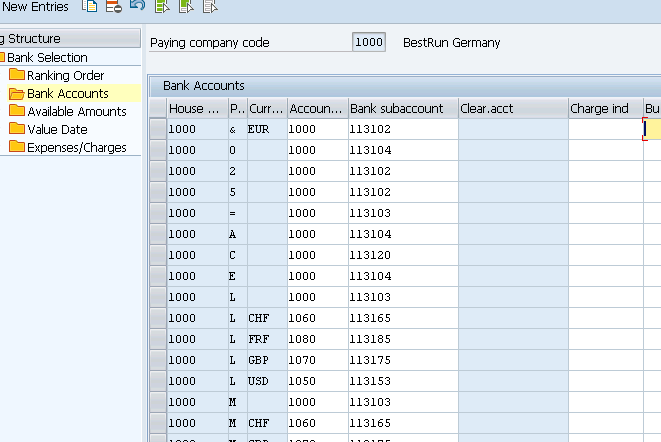
Bank accounts where you define the reconciliation account based on the options on the screenshot.
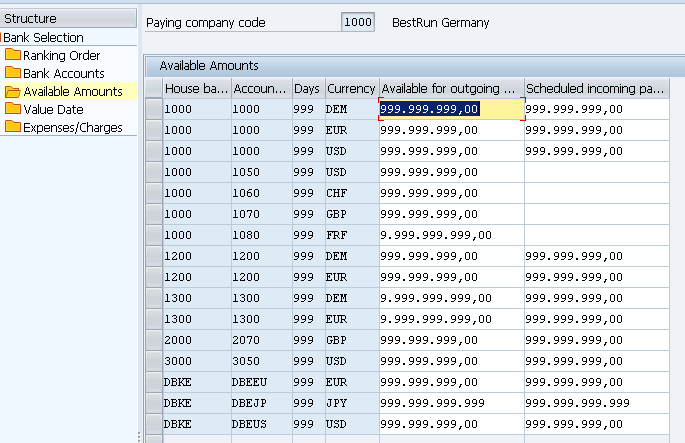
Available mounts screen.
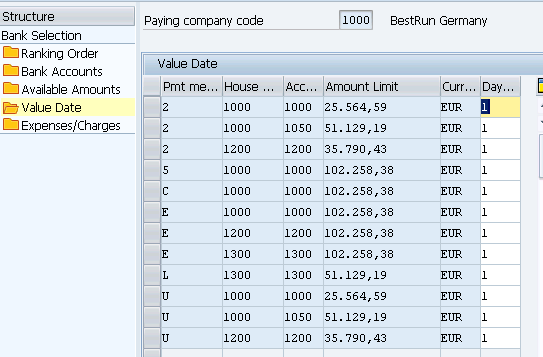
Value date screen where you define the number of days till the bank post the amounts to the bank account.
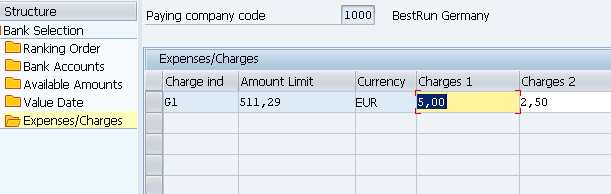
Expenses/Charges screen