Archive
Set Up Areas for Parallel Valuation | S_PL0_86000183
s_pl0_86000183valuation
September 30, 2015
In this FICO configuration we are able set up areas for parallel valuation.
Transaction: S_PL0_86000183
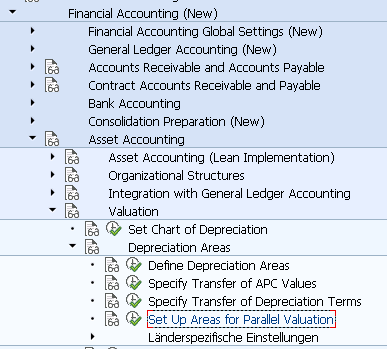
IMG Path: Financial Accounting (New) -> Asset Accounting -> Valuation -> Depreciation Areas -> Set Up Areas for Parallel Valuation
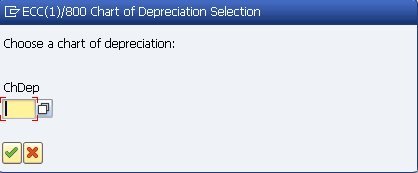
When you start the transaction, you will have to initially select a chart of depreciation.
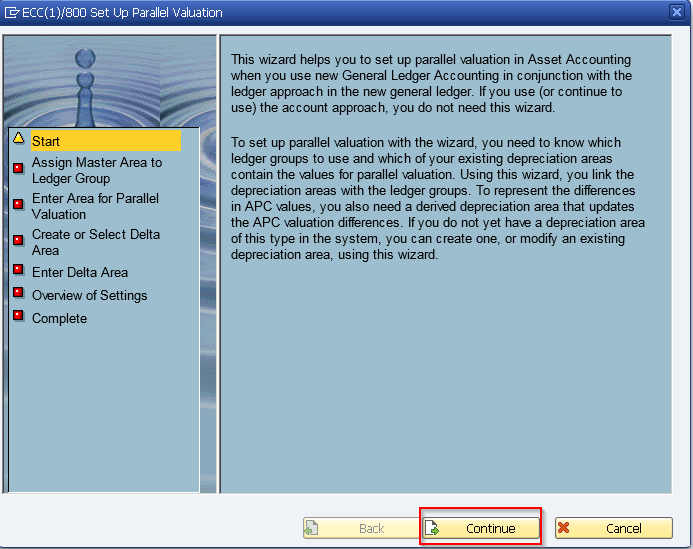
Then you will get a wizard based pop-up with predefined steps you should accomplish.
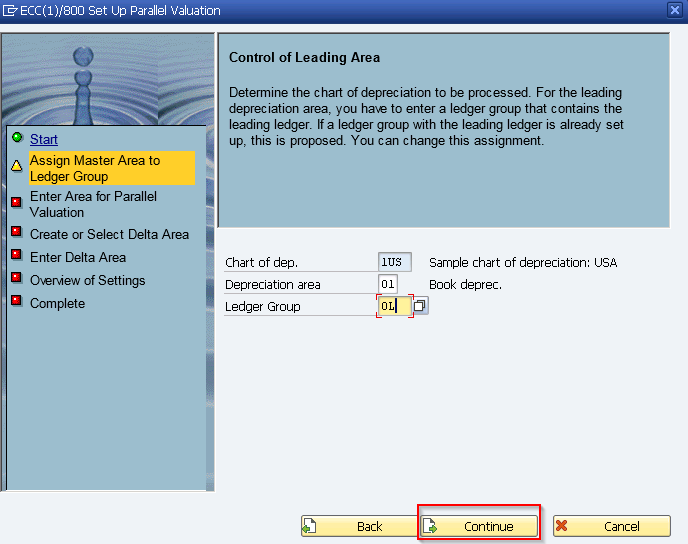
On the next screen assign depreciation area and ledger group for master area.
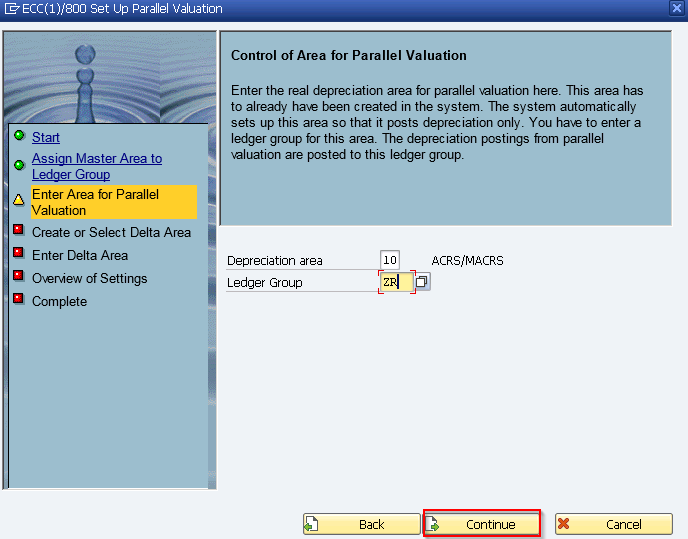
Choose depreciation area and ledger group for parallel valuation.
Create or select Delta Area
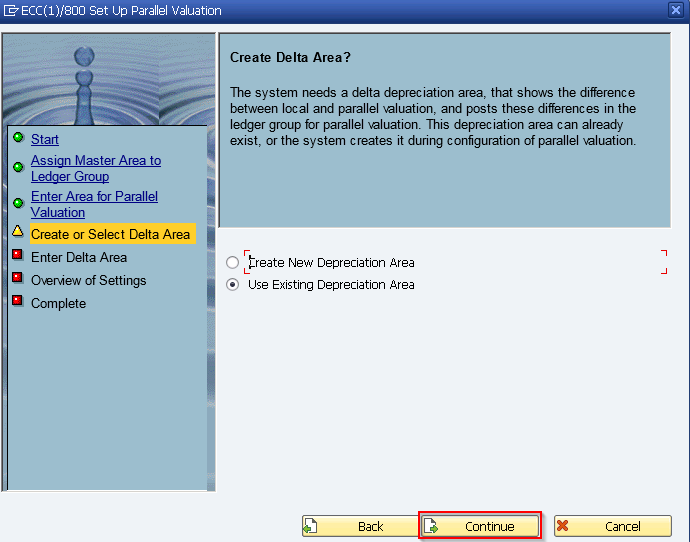
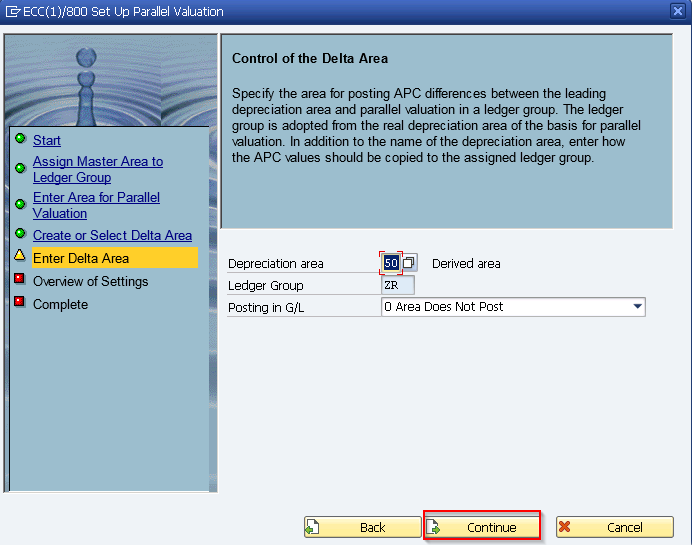
Select the delta area.
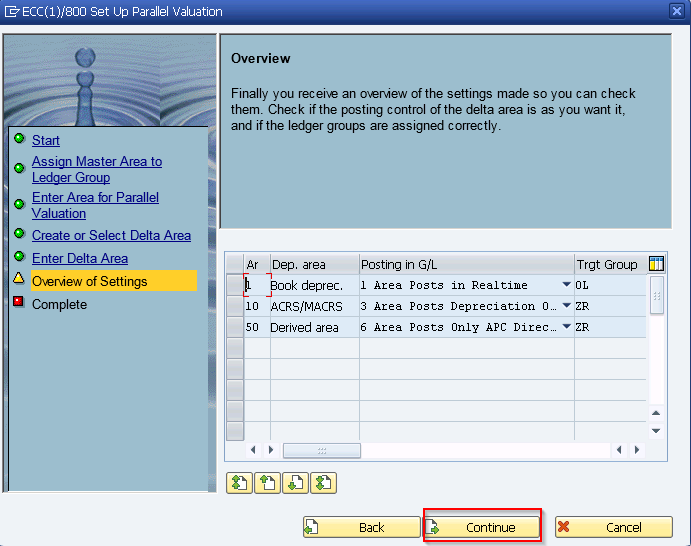
Overview of what we set.
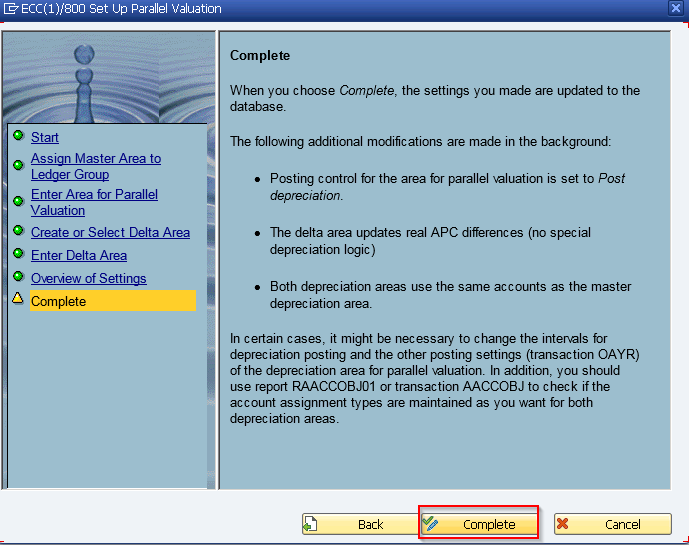
Complete screen.