Archive
Make Default Settings | OKB2
master dataokb2t004t004ttkska
October 2, 2015
In this FICO configuration activity we are able to make default settings for cost element accounting in CO module.
Transaction: OKB2
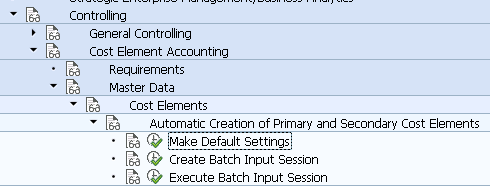
IMG Path: Controlling -> Cost Element Accounting -> Master Data -> Cost Elements -> Automatic Creation of Primary and Secondary Cost Elements -> Make Default Settings
Tables: TKSKA, T004, T004T
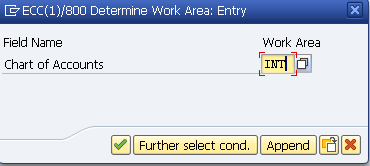
On the pre-selection screen you will have to choose a chart of accounts.
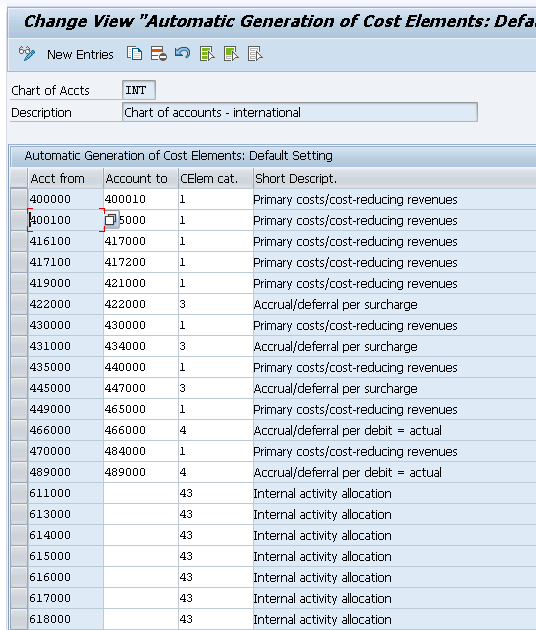
Following is how the main screen is looking like.