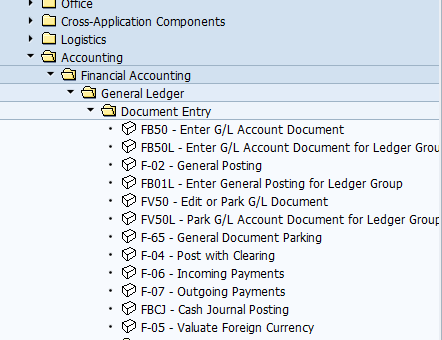
How to Show Technical Names (Transactions) in the SAP Tree
There are users which use SAP tree to find the program/transaction they would like to run. There are also another type of users which mainly use transaction codes directly in the SAP command field. I am not going to debate in this quick guide whether you should use one or another path. I will also not argue on the pros and cons of both approaches.
Initially, your sap tree and related transactions will look like following:
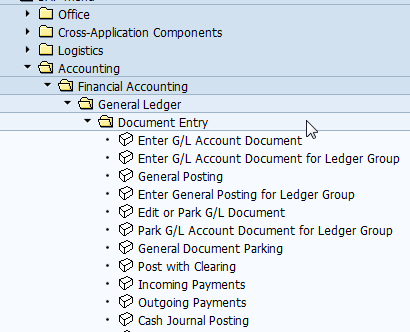
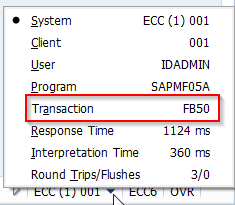
When you don't have technical names, you could find the technical name by looking at the status menu at the bottom right corner when you run particular program/transaction.
If you want to show the transaction codes on the tree, follow the screenshots below. First go to the top menu: Extras->Settings
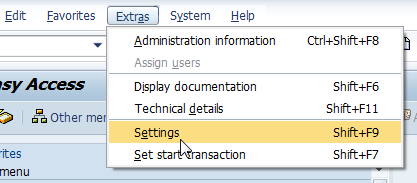
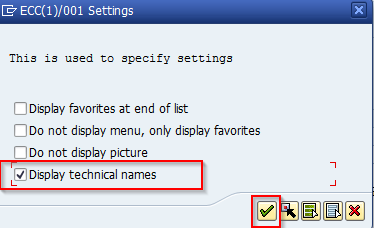
Check the flag for "Display technical names"
When you set this then the SAP tree will include the transactions and it will look like following screenshot: