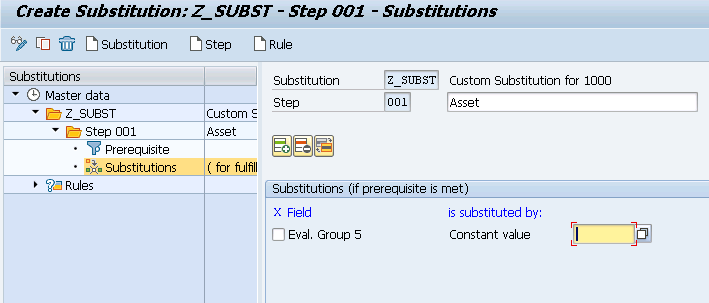
Define Substitution Asset Master Data | OACS

In this FICO configuration activity we are able to define substitution rule in asset accounting master data.
Transaction: OACS
IMG Path: Financial Accounting (New) -> Asset Accounting -> Master Data -> Define Substitution
Table: T093SB, T001, GB92, GB92T, T082L, T082M
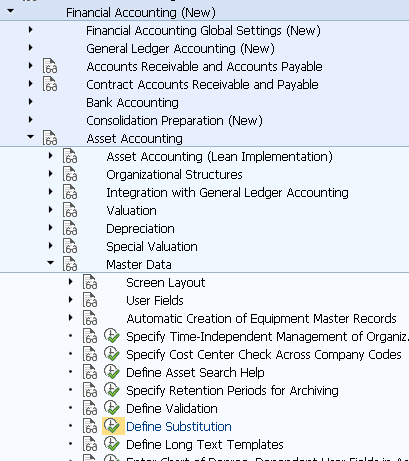
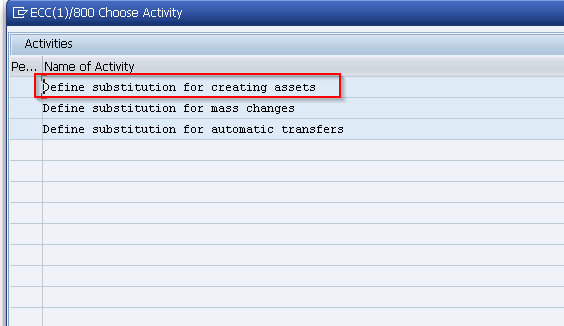
If you start the transaction from IMG Path, you will have to choose the first activity on the pre-selection screen.
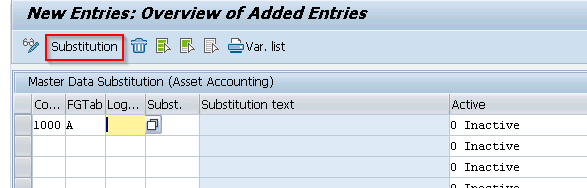
On the main screen if you don't have substitutions, you will have to choose "New entries".
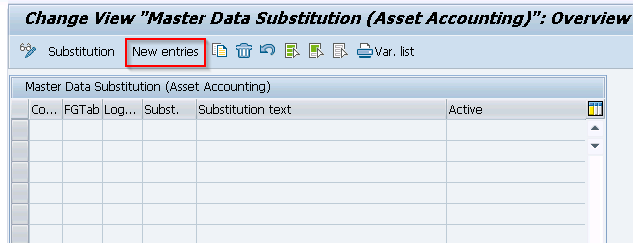
Fill company code and choose field group table and click on substitution.
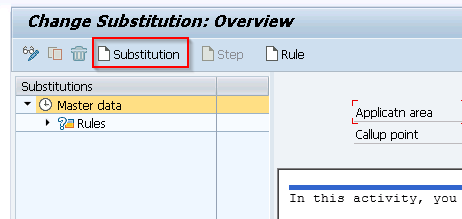
Click on Substitution again.
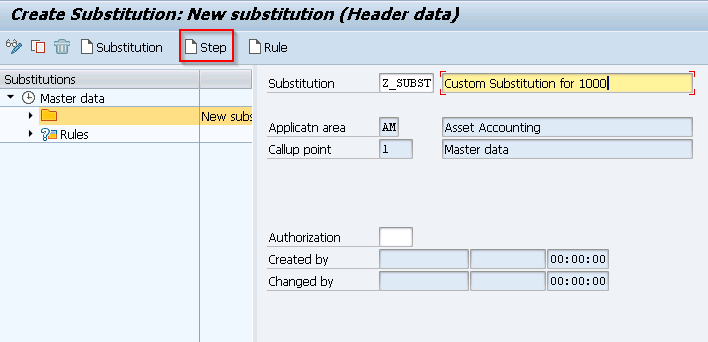
On the next screen, fill ID and description and click on Step.
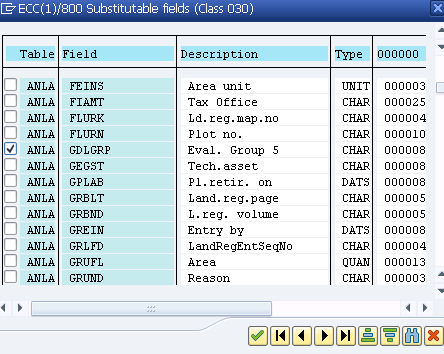
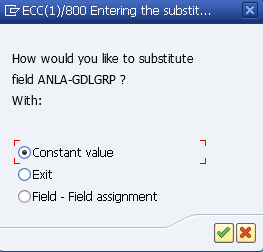
Choose field to substitute.
Choose method of substitution.
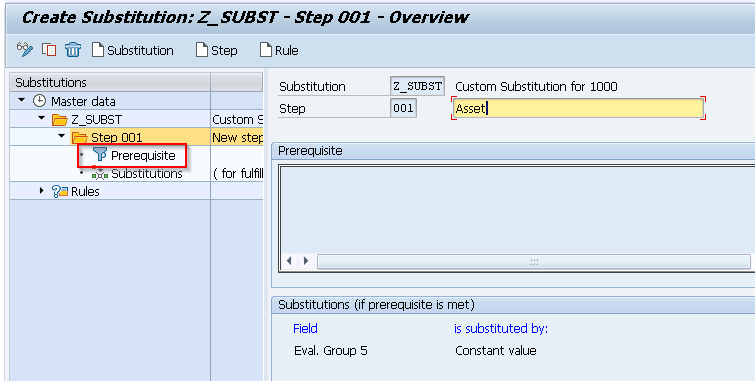
Go to prerequisite.
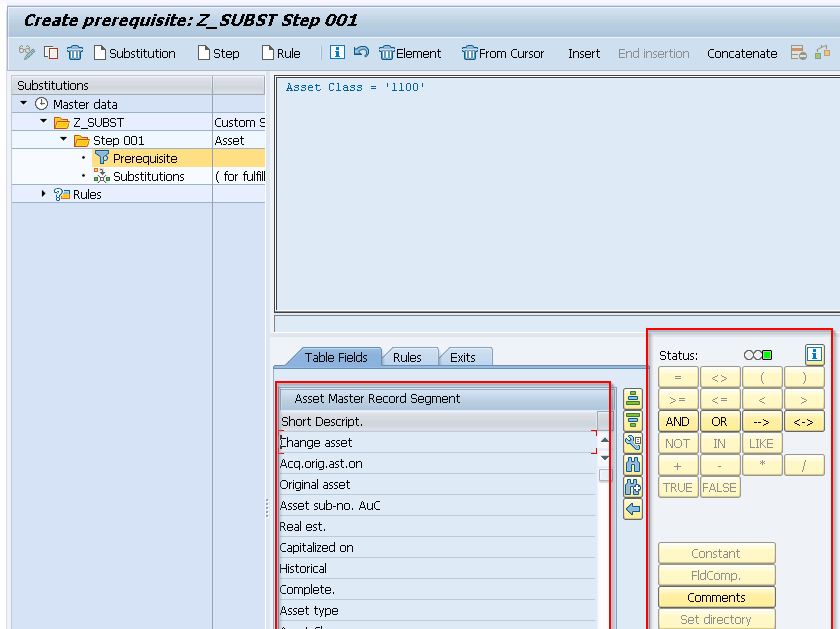
On the next screen you will have to enter prerequisite condition which you could do by double clicking on the fields and operators below.
On the substitution screen you are able to enter a constant value which will be filled in case the prerequisite is met.