Define Screen Layout per Company Code (Vendors) | OB24

In this configuration activity you are able to define screen layout for every company code. Here we are maintaining the same view of the Company Code section in the Account Goups Layout for Vendors.
Transaction: OB24
IMG Path: Financial Accounting (New) -> Accounts Receivable and Accounts Payable -> Vendor Accounts -> Master Data -> Preparations for Creating Vendor Master Data -> Define Screen Layout per Company Code (Vendors)
Table: T079K
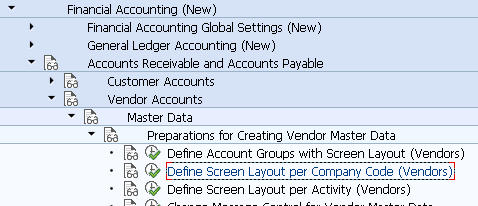
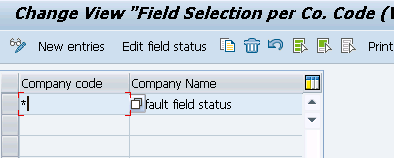
When you enter into the transaction, you will see a list of company code screen layouts for vendor master data. By default you will have one layout for all company codes. Create a new layout or modify an existing one.
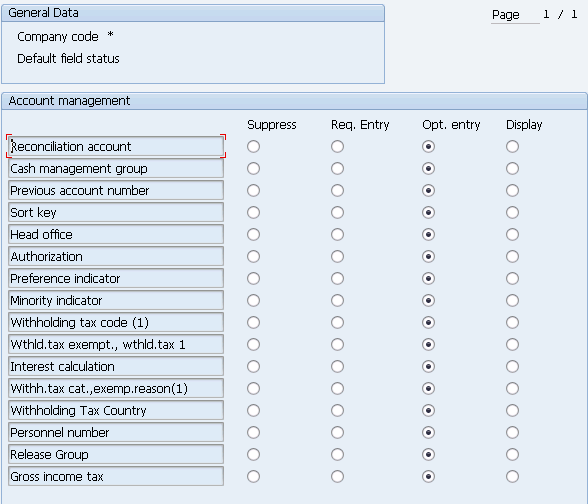
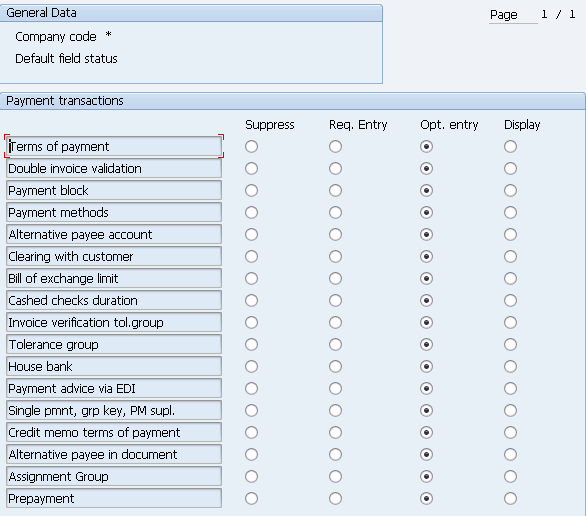
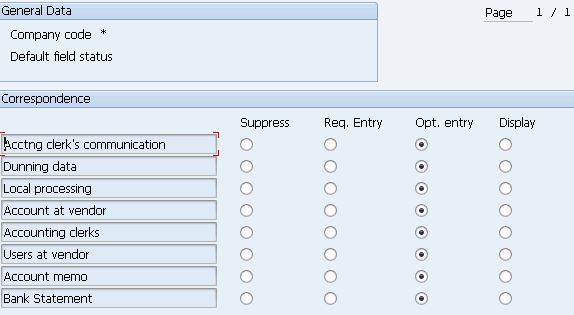
When you enter into detailed view you will see following.
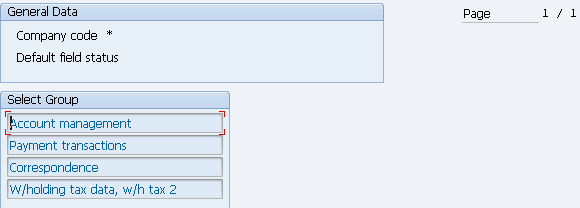
In the next few screenshots you will see the subgroups options.