Define Document Splitting Rule | S_PL0_86000050

Document splitting is based on a splitting rules which are defined per business transactions executed throughout the SAP system. GL Postings are part of all business transactions. Splitting rules are an important topic for the definition of correct splitting according to our requirements.
Transaction: S_PL0_86000050
IMG Path: Financial Accounting (New) -> General Ledger Accounting (New) -> Business Transactions -> Document Splitting -> Extended Document Splitting -> Define Document Splitting Rule
Tables: T8G20, T8G02, T8G02T, T8G01, T8G01T, T8G30A, T8G30AT, T8G03, T8G031, T8G03T, T8G031T, T8G21, T8G41A,T8G41A, T8G21A
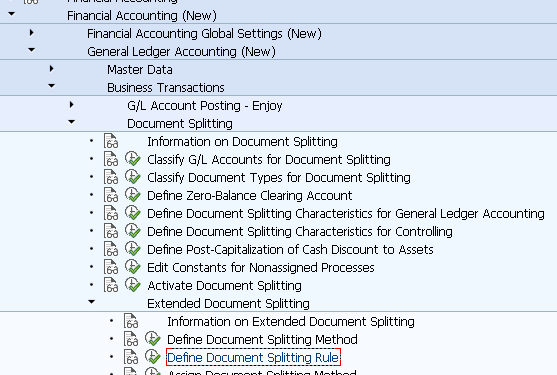
If you want to create new rules for particular document splitting method, it is best practice to use the copy function.
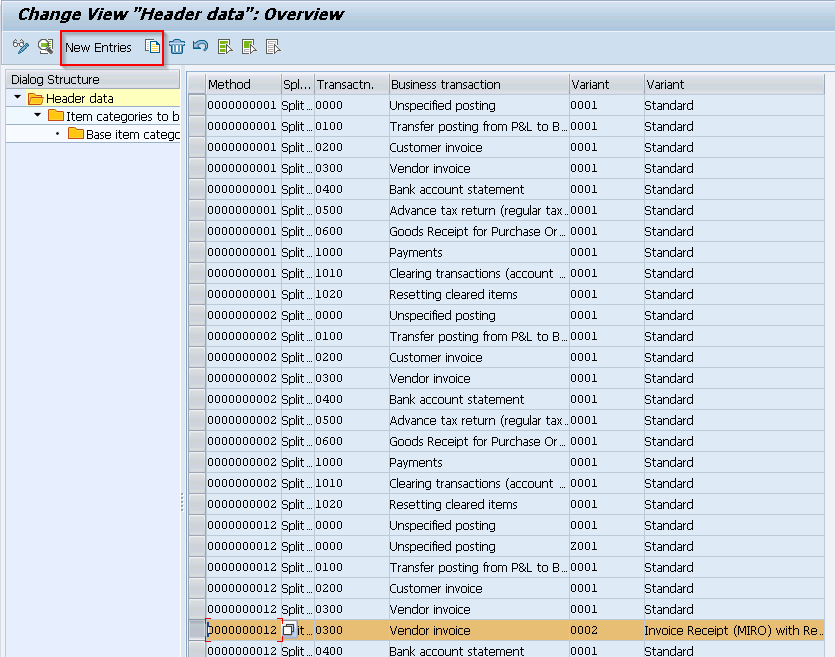
Using the copy function, I have changed the splitting method only.
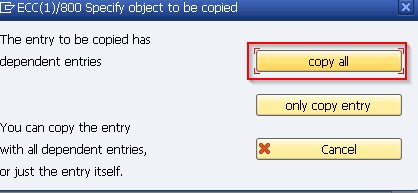
When you hit "Enter" you will be prompted which records you want to copy. In this cases I wanted everything.
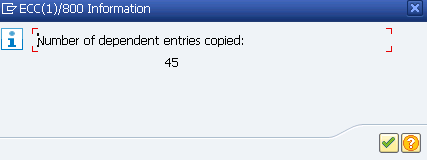
The Next is to check the "Item categories to be edited". Choose the header and click on the next sub-folder icon.
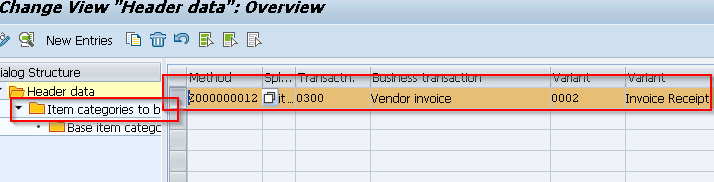
Maintain new or existing entries according to your requirements.
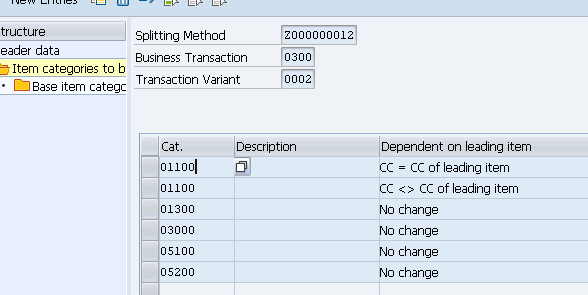
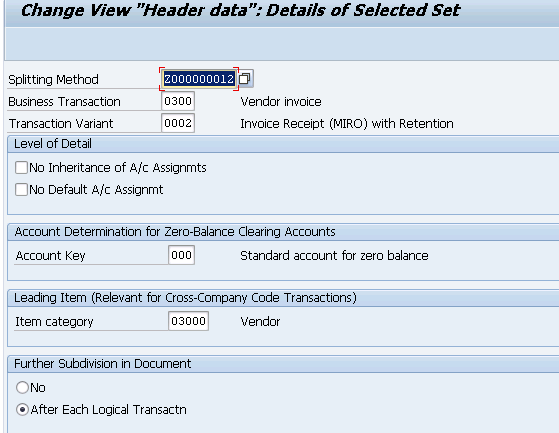
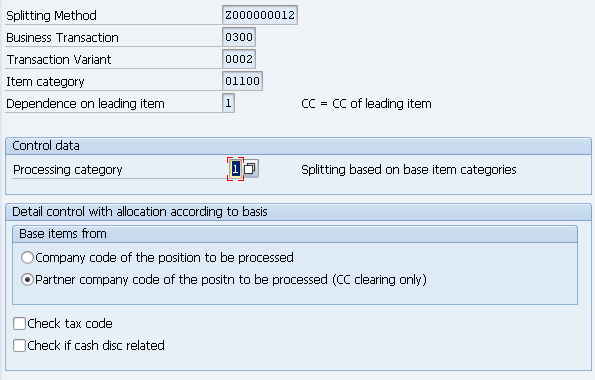
Following is a detailed view when you do a double click on some of the items in the above screenshot.
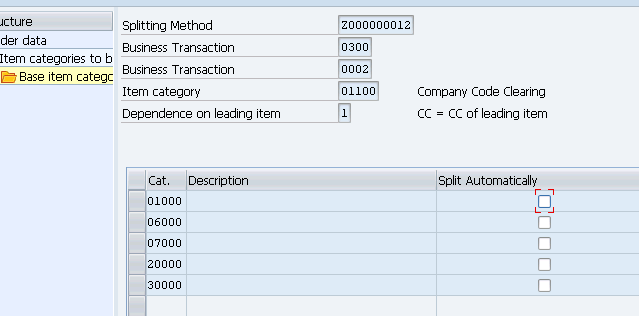
If you want to go to the "Base item categories", highlight a particular row and click on the folder icon marked below.
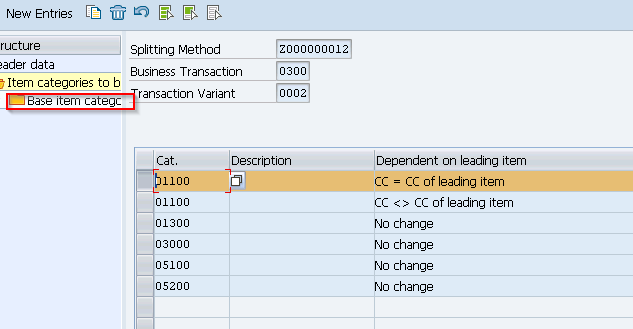
Base item category items .