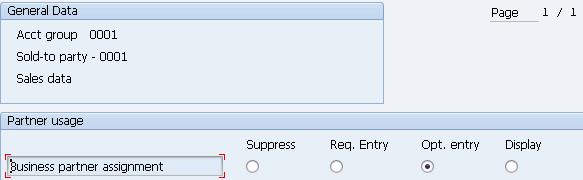
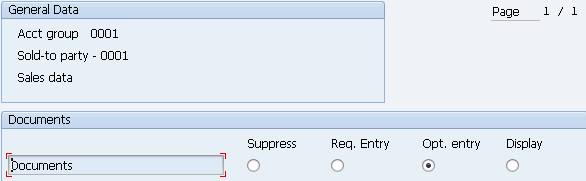
Define Account Groups with Screen Layout (Customers) | OBD2

In this configuration activity we are able to define account groups with screen layout for customers. Those are used to control fields which will be shown or required during master data entry for customers.
Transaction: OBD2
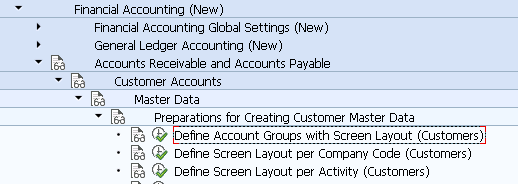
IMG Path: Financial Accounting (New) -> Accounts Receivable and Accounts Payable -> Customer Accounts -> Master Data -> Preparations for Creating Customer Master Data -> Define Account Groups with Screen Layout (Customers)
Table: T077D, T077X, TKUPA
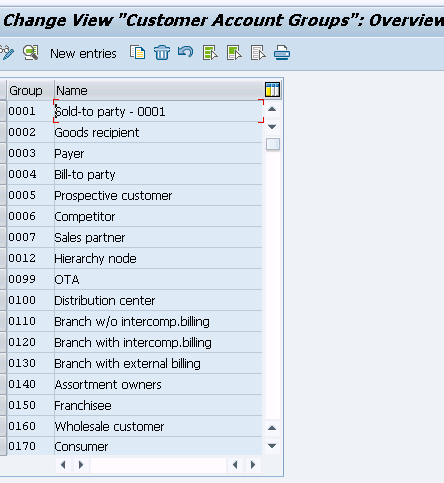
After opening the transaction, you will see the list of already defined customer account groups.
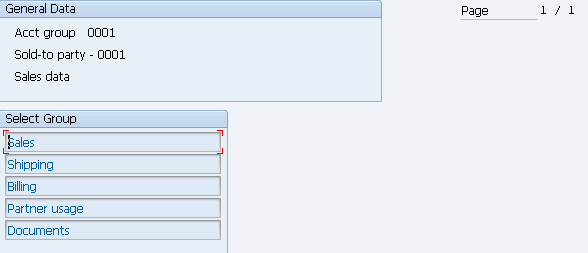
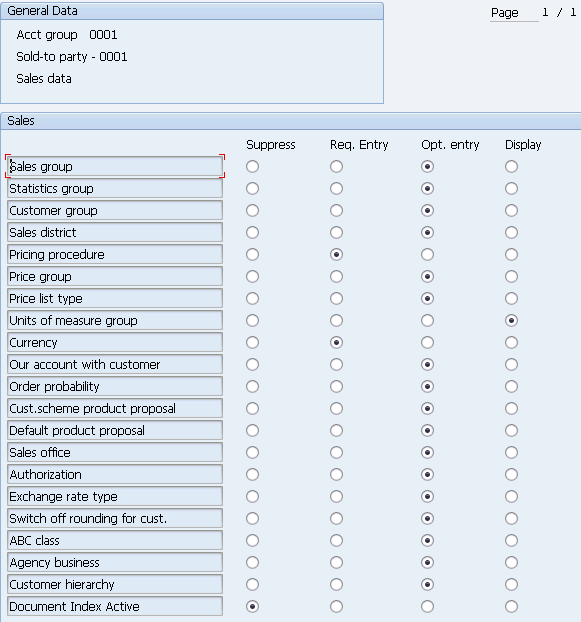
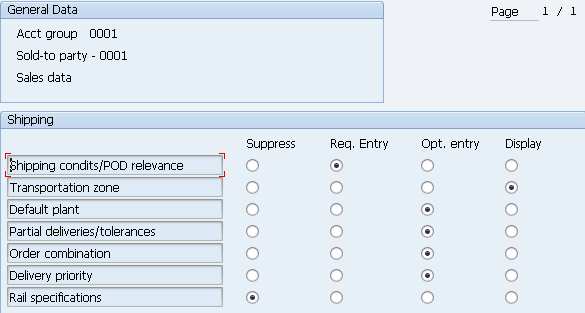
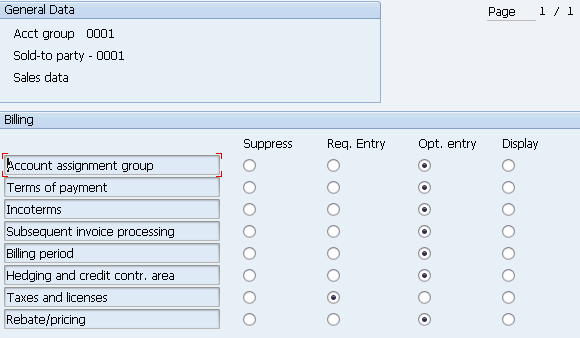
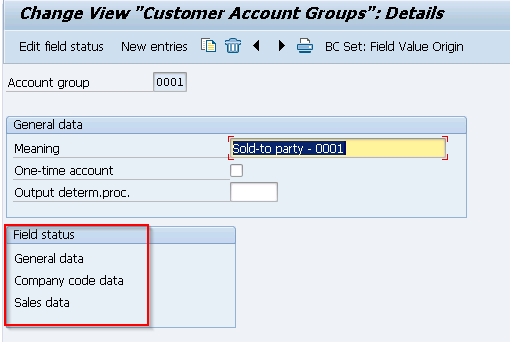
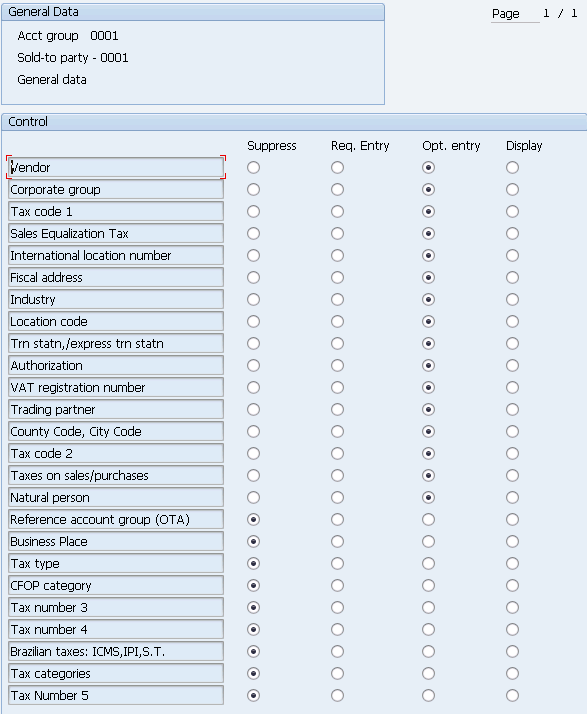
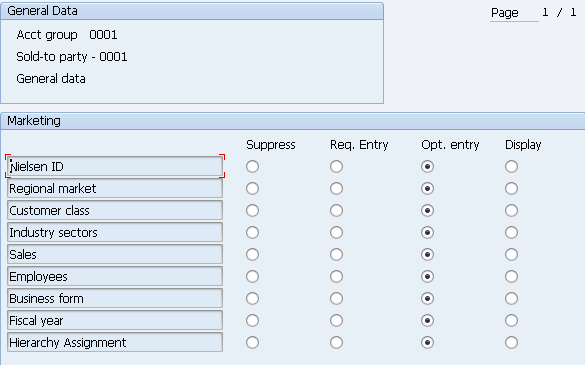
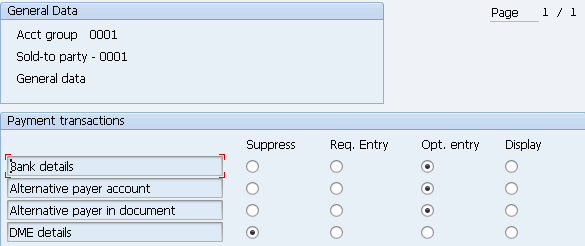
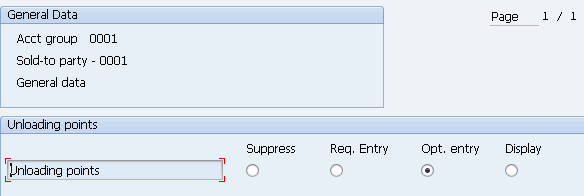
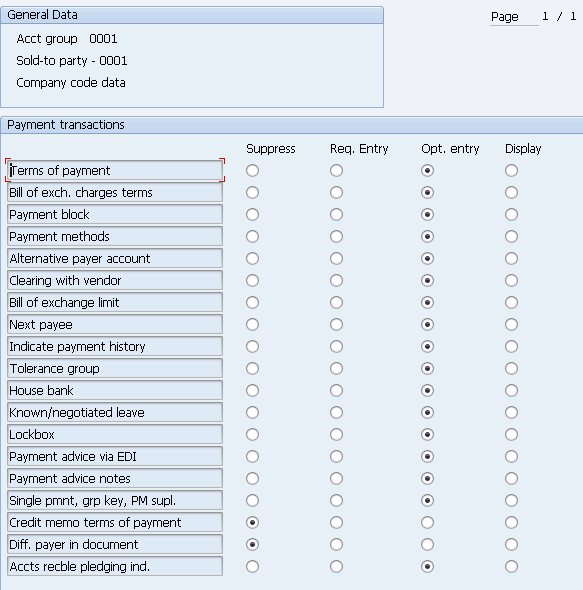
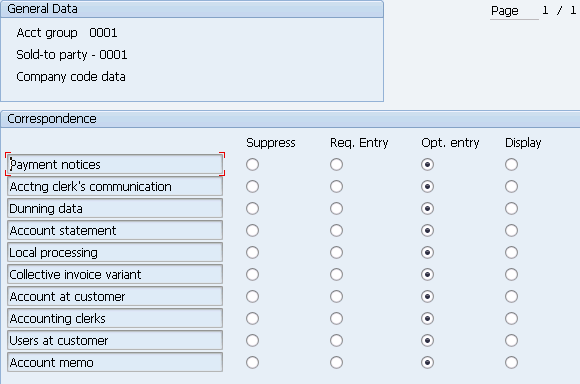
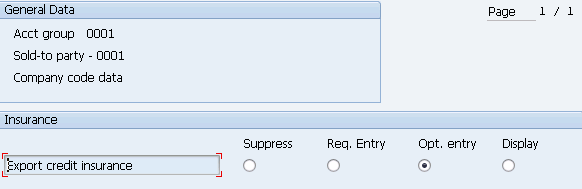
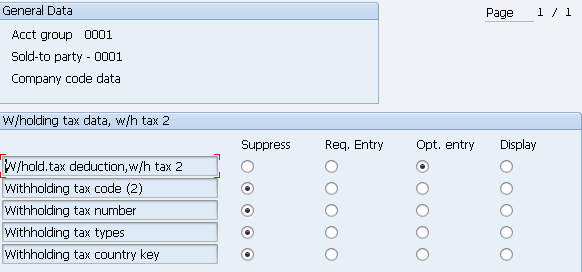
You could either create new entry or edit an already existing one. From following screen you are able to define basic settings for account groups and then with double click on Field status section to enter into field settings. They are divided by general, company code and sales area data.
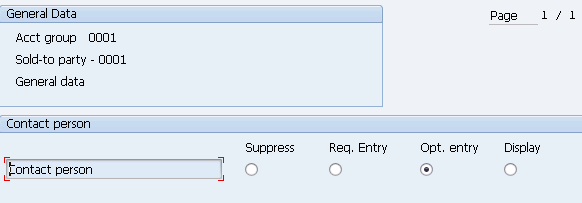
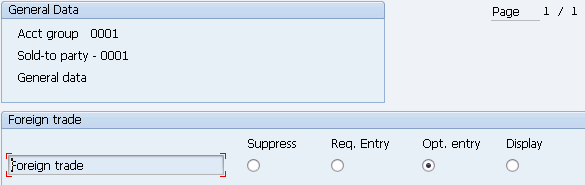
General data
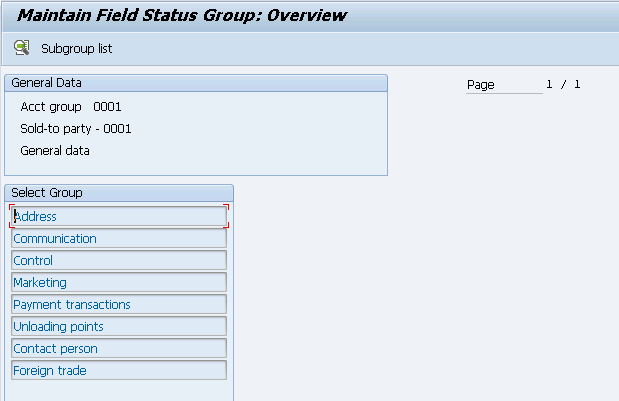
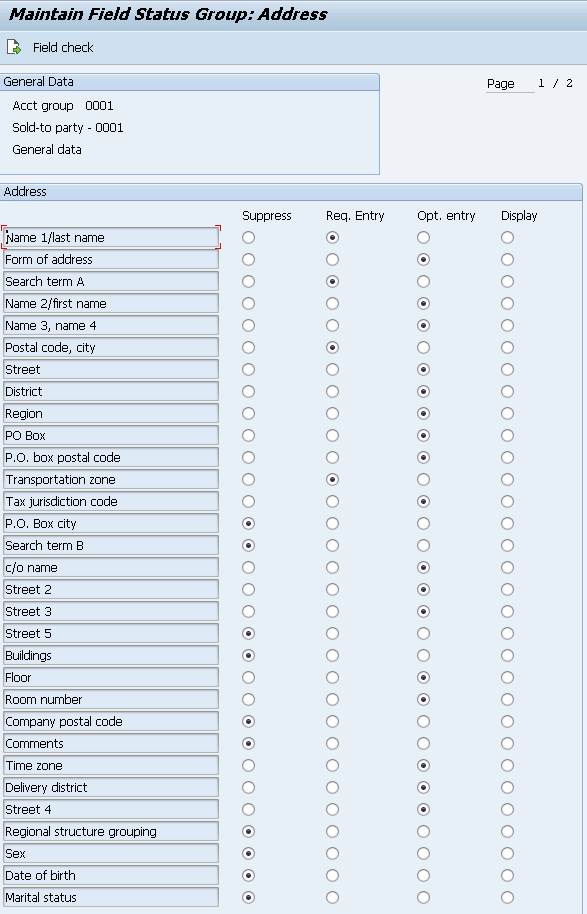
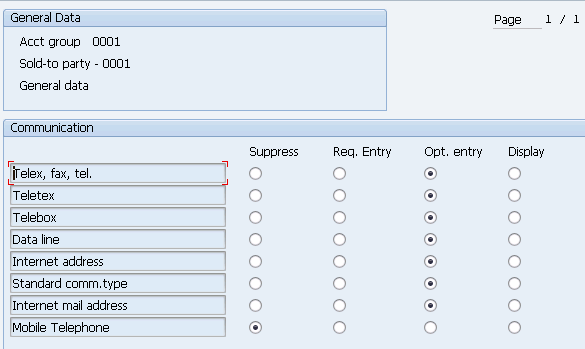
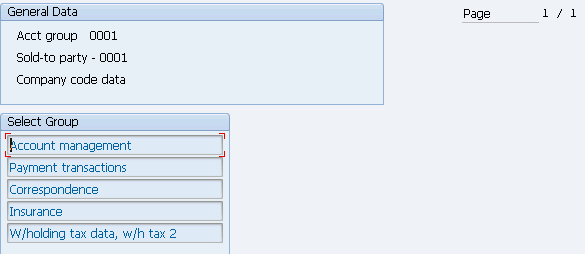
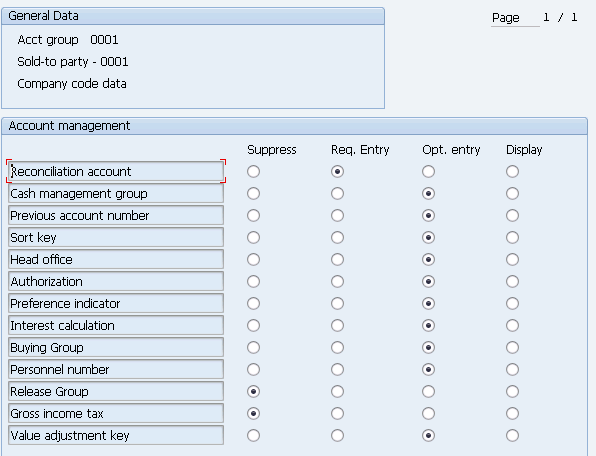
Company code data
Sales data