Define Account Group | OBD4

When we have Chart of Accounts, it is time to structures our General Ledger (GL) Accounts. The Account Groups will help to separate different GL types as Equity Accounts, Fixed Assets, Accounts Receivable, Accounts Payable, Revenues, Materials, Overheads, etc. Account Groups will also give an opportunity to define rules for field status. For example, cost center is required for expense accounts and hidden for Equity Accounts.
Transaction: OBD4
IMG Path: Financial Accounting (New) -> General Ledger Accounting (New) -> Master Data -> G/L Accounts -> Preparations -> Define Account Group
Table: T077S
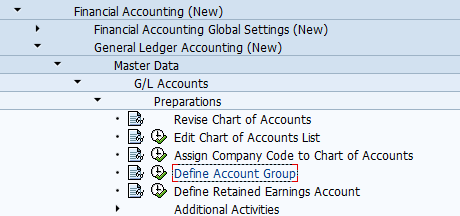
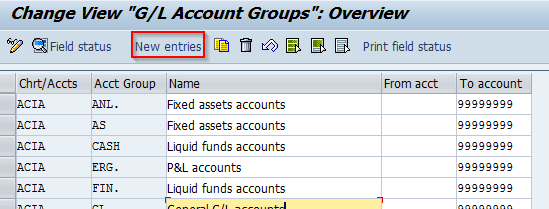
When you open the transaction you should hit "New Entries".
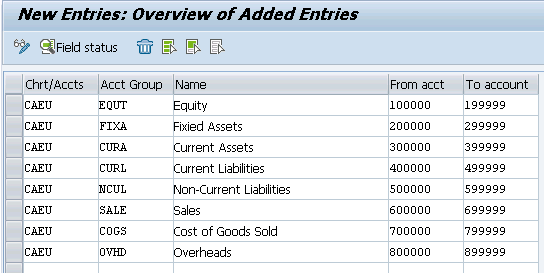
Define the related account groups with link to the chart of accounts. Here is example of my configuration.
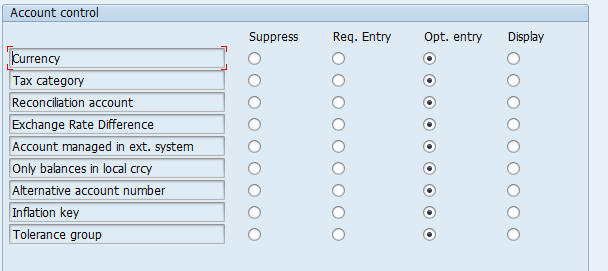
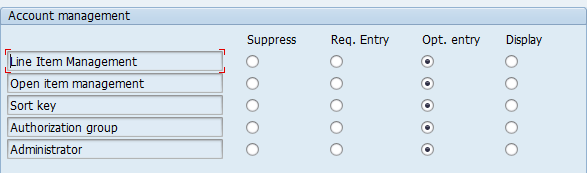
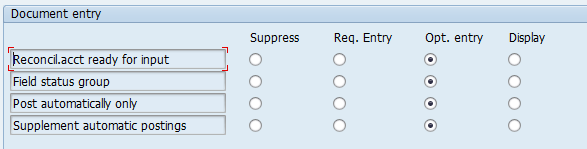
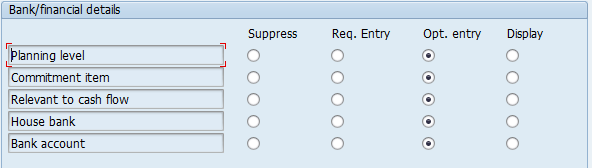
When you hit "Save" you will then be able to define the specific field status setting with double click on every account group.
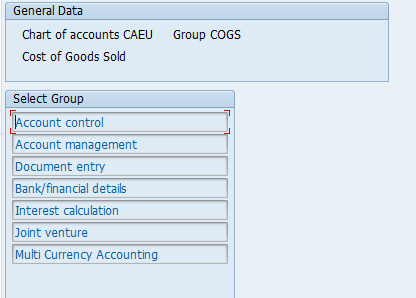
When you double click on the Sub-Groups you will then be able to maintain the field status settings,