Archive
Create Dummy Profit Center | KE59
cepcke59profit center
October 18, 2014

Dummy profit is necessary for all those postings which do not have defined profit center in it. Creation of regular profit center is done by another end-user transaction.
Transaction: KE59
IMG Path: Financial Accounting (New) -> General Ledger (New) -> Master Data -> Profit Center -> Create Dummy Profit Center
Table: CEPC
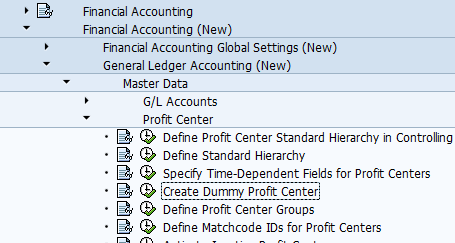
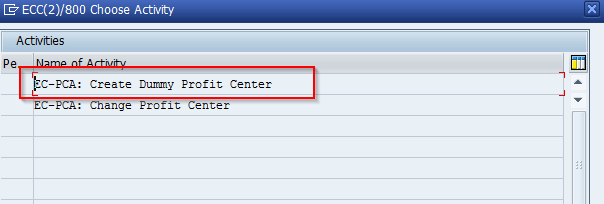
When you execute this transaction through IMG menu, you will get following screen.
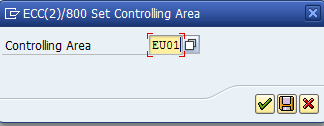
Choose your Controlling Area.
Fill the name of your dummy profit center and hit "Basic Data". You have to also choose a Segment for that dummy profit center.
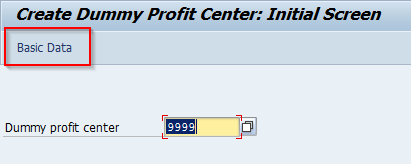
Fill all necessary fields in tab "Basic Data".
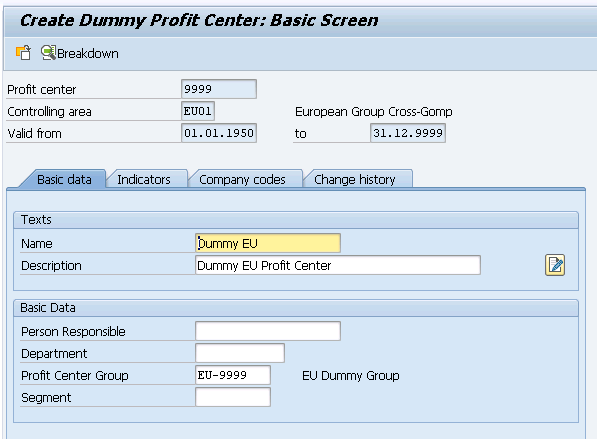
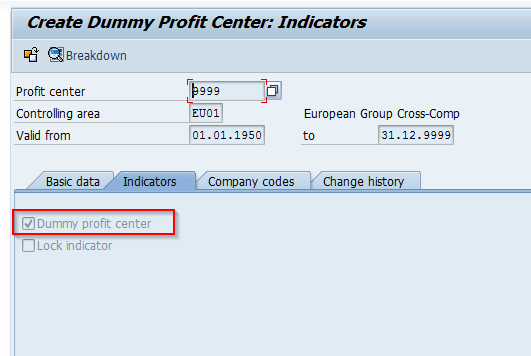
This transaction looks almost identical to the regular transaction. The only difference here is the Indicators tab. Click save.