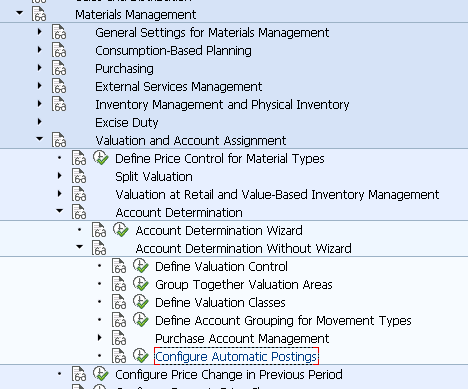
Configure Automatic Postings | OMWB

In this FICO configuration activity we are able to define account determination for automatic postings made in Materials Managemend (MM) module. In this activity you are also able to check the configuration of accounting determination.
Transaction: OMWB
IMG Path: Materials Management -> Valuation and Account Assignment -> Account Determination -> Account Determination Without Wizard -> Configure Automatic Postings
Tables: T030, T030W, T030B, T001K
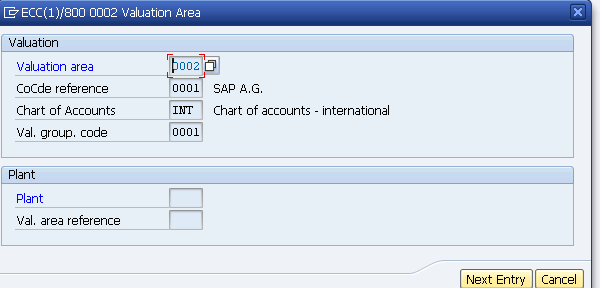
On the first screen you will see a screen similar to following. Click on cancel to go to other screen.
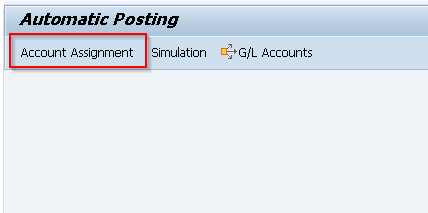
Go to Account Assignment. You could go there directly through Transaction code - OBYC.
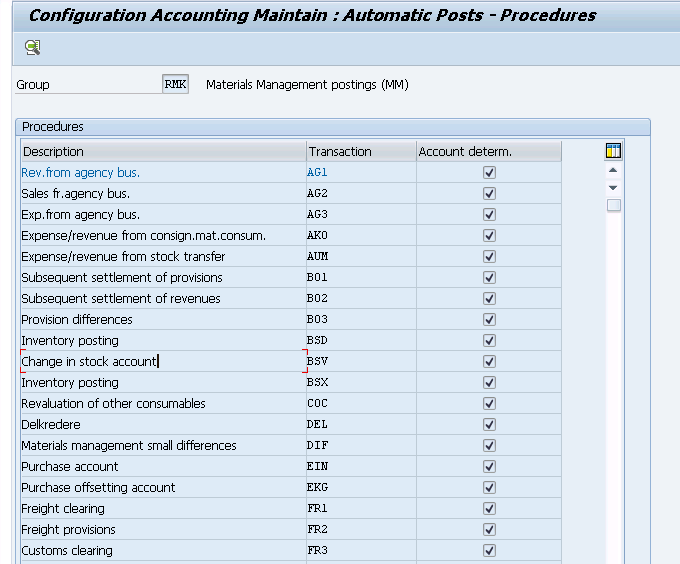
On the initial screen with account assignments there is a list of procedures.
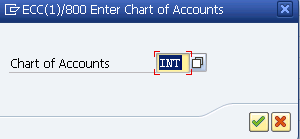
If you double click on a procedure you will have to choose a chart of accounts for which GL accounts will be maintained.
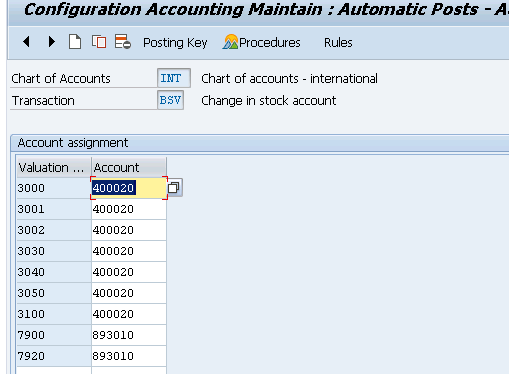
Account Assignment for Change in stock procedure.
Account assignment for Offsetting entry for inventory posting where more rules are used to determine the GL Accounts.
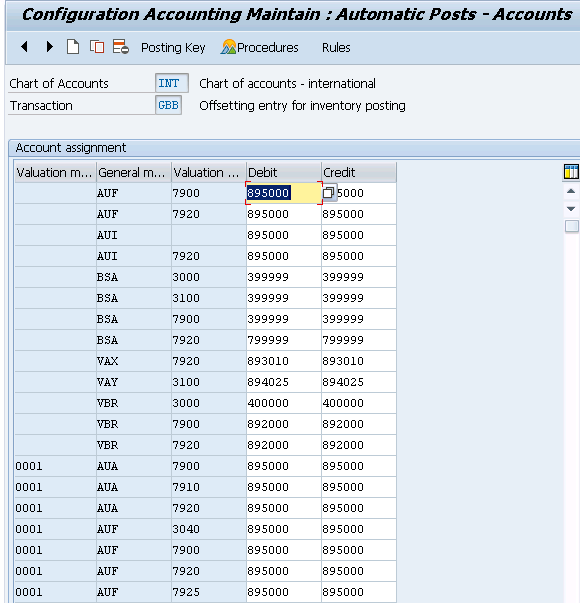
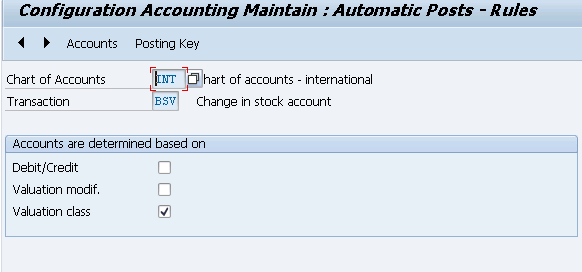
Rules
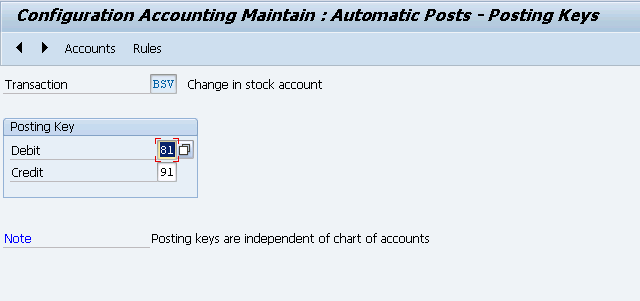
Posting Keys
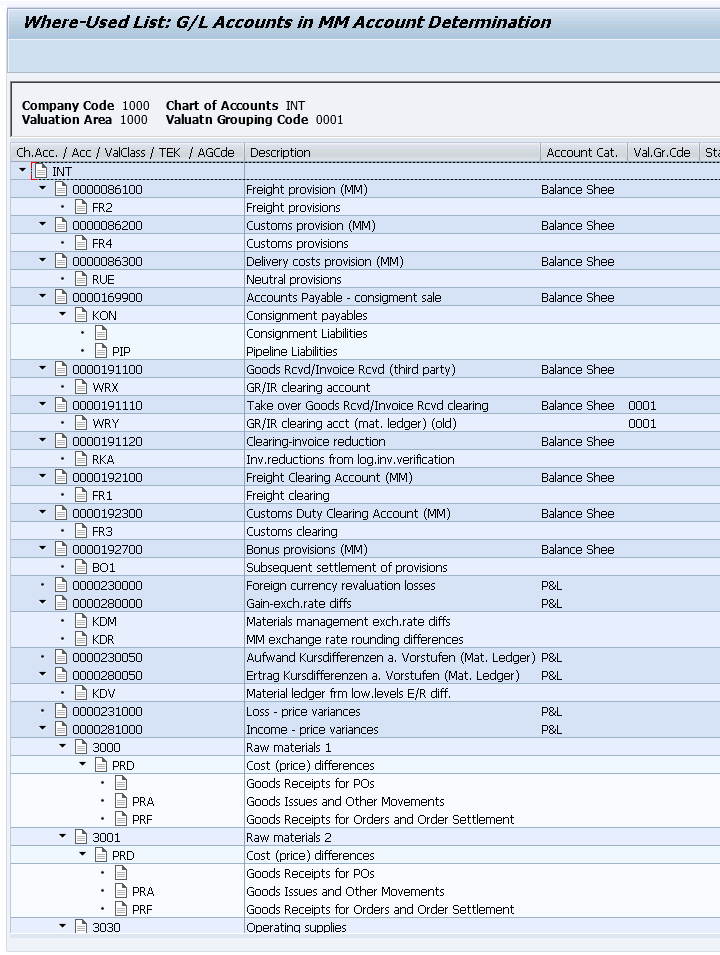
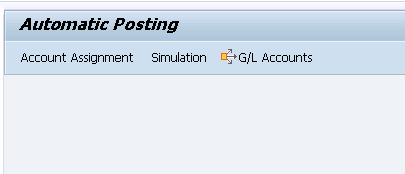
If you return back to the main screen there two other options for testing and checking your configuration.
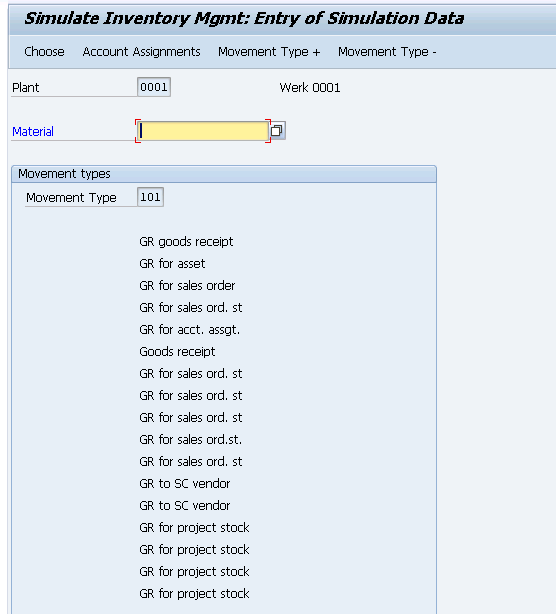
Simulation
GL Accounts
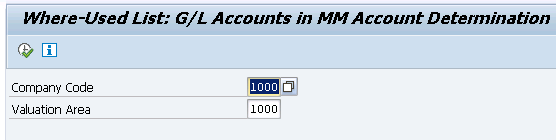
List of GL Accounts