Change Message Control for Document Processing | OBA5
There are cases where users will get messages which will prevent them from processing a particular document types through specific transaction. With this transaction you will be able to change the error to warning or completely suppress it as a note. You will also be able to turn warnings into errors which will prevent posting.
Transaction: OBA5
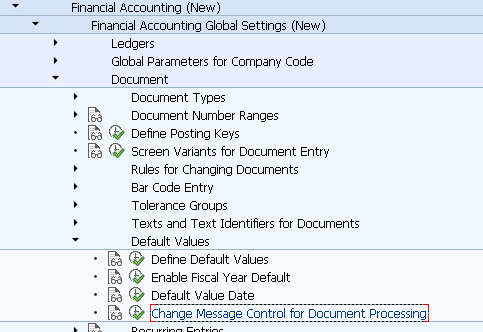
IMG Path: Financial Accounting (New) -> Financial Accounting Global Settings (New) -> Document -> Default Values -> Change Message Control for Document Processing
Table: T100C
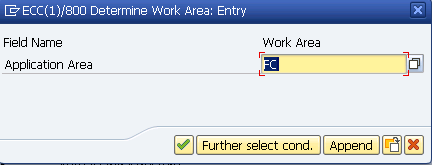
First you will have to choose an Application Area which you will usually find in the first letters of the error message.
After entering into the main area, you will have the choice to either create a new message or to edit an already existing one.
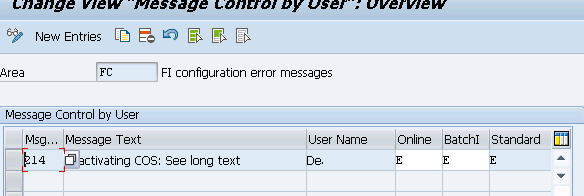
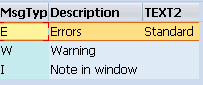
Following are the options for messages.